

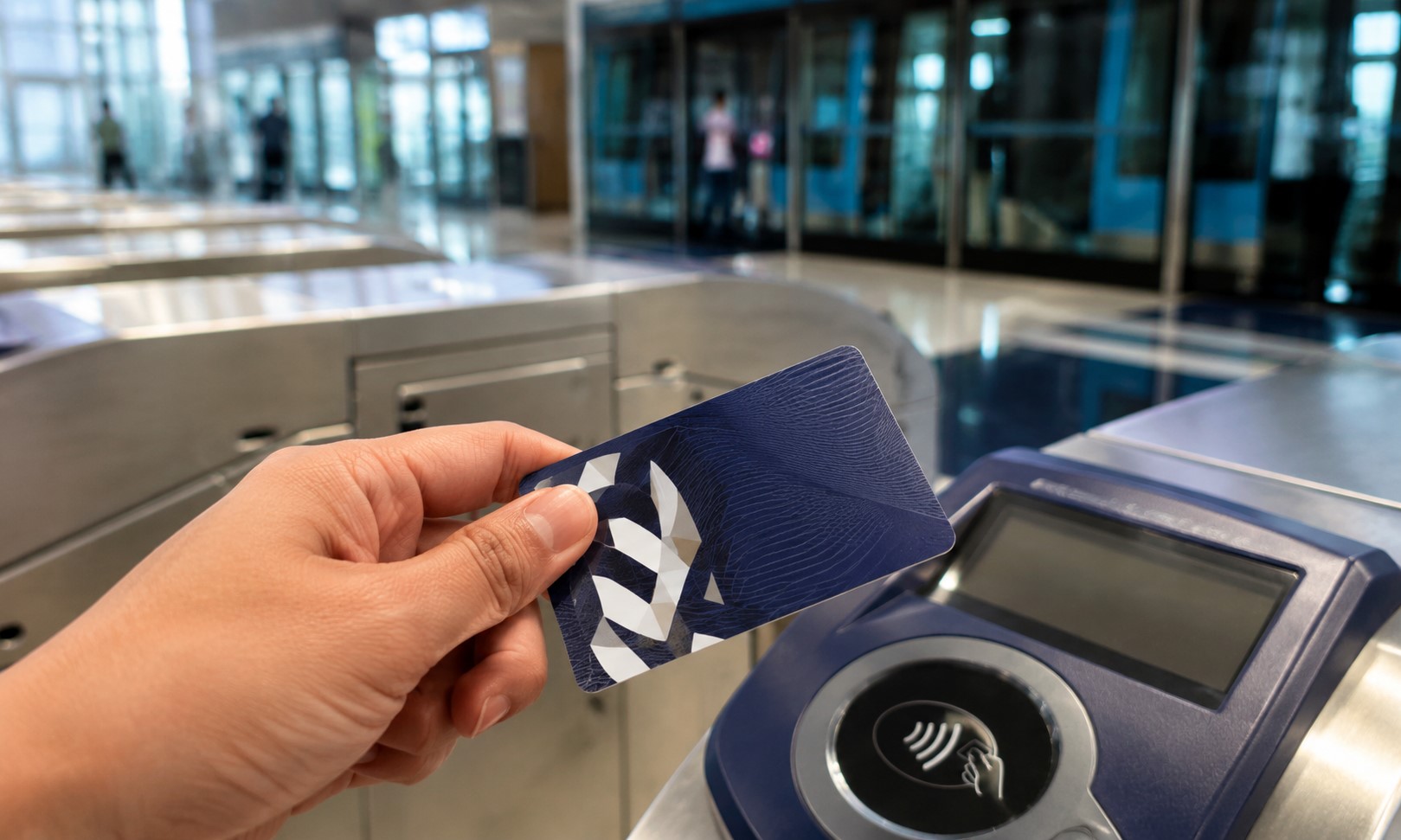
Heading back Afterthe summer holidays? Your Nol card doesn’t need to sit forgotten in your bag while you’re gone. During summer season, Residents pack up, fly out, and leave behind entire lives for weeks at a time. Somewhere in that shuffle, the humble Nol card gets left in a drawer, balance untouched, slowly creeping toward expiry.
Here’s the thing, you don’t have to let that happen. You can actually get your money back. Cash refund, straight up. Didn’t know that was an option? Most people don’t. Let’s fix that.
Before You Ditch The Card Entirely
Quick pause here. Don’t throw the card away just because you’re heading out of town. The new Dubai Airport Express Line is set to connect DXB, DWC, and five metro stops, which means your commutes are about to get faster and cheaper once it’s up and running. Worth keeping that card handy for when you’re back.
So, What Can You Actually Do With Leftover Balance?
Two paths here. Transfer the balance to another Nol card, or request a cash refund. That’s it. Those are your options.
Balance transfers between registered personal Nol cards? Completely free. Cash refunds, on the other hand, come with a small fee attached. And one detail worth flagging early, you can’t send the money straight into a bank account. It doesn’t work that way.
But you can absolutely get the funds back into your hands. Here’s how each route works.
Read More: Free Car Inspections In Dubai: Where To Get Your Car Checked For Free This August
Option One: Transfer Your Balance To Another Nol Card
Got a new card? Want to hand the balance over to a family member instead? A Nol-to-Nol transfer solves that.
Three ways to make it happen. Through the Nol Pay app, open it up, use NFC, and the transfer happens almost instantly. Takes less time than brewing a coffee, honestly.
Through the RTA Dubai website, log in, find the “Nol to Nol Transfer” service, follow the prompts. Nothing complicated about it.
Or, if apps and websites aren’t your thing, walk up to any Ticket Vending Machine at a Dubai Metro station and handle it in person.
Option Two: Just Take The Cash
Prefer the money in hand? That works too. But the process shifts slightly depending on how much is sitting on your card.
Under AED 100? You can request a direct cash refund without much fuss. A small service fee applies here, usually AED 5, or a percentage of your balance, whichever number comes out higher.
Over AED 100? Here’s where it changes. The RTA typically won’t hand out a cash refund at that point. Instead, they’ll direct you to transfer the funds onto another registered Nol card.
Either way, the starting point is the same. Head to the RTA Dubai website, submit a refund request, and follow whatever steps appear on screen.
A Couple Of Things Worth Knowing First
Don’t skip this part. Both Nol cards involved in a transfer need to be registered under the same Emirates ID. No exceptions there. And if your card happens to be unregistered, or it’s already expired, online transfers simply won’t work.
So if you’ve been putting off registering your card, this is your nudge. Do it now, before you’re stuck trying to sort it out from another country with limited options.
Read More: What Is the Jaywan Card? A Detailed Guide to Eligibility, Benefits and How to Apply
FAQs
Can I get a cash refund if my Nol card balance is over AED 100?
Typically, no. The RTA usually requires balances over AED 100 to be transferred to another registered Nol card rather than refunded as cash.
Is there a fee for transferring balance between Nol cards?
No. Balance transfers between registered personal Nol cards are free. Cash refunds, however, come with a small service fee.
Can I transfer my Nol balance directly to my bank account?
No. Funds cannot be moved directly into a bank account. You can only transfer between Nol cards or request a cash refund.
What happens if my Nol card is unregistered or expired?
Online transfers won’t be available. Registering your card ahead of time avoids this issue, especially if you’re planning to travel.
How do I start a cash refund request?
Visit the RTA Dubai website, submit a refund request, and follow the on-screen instructions to complete the process.
