

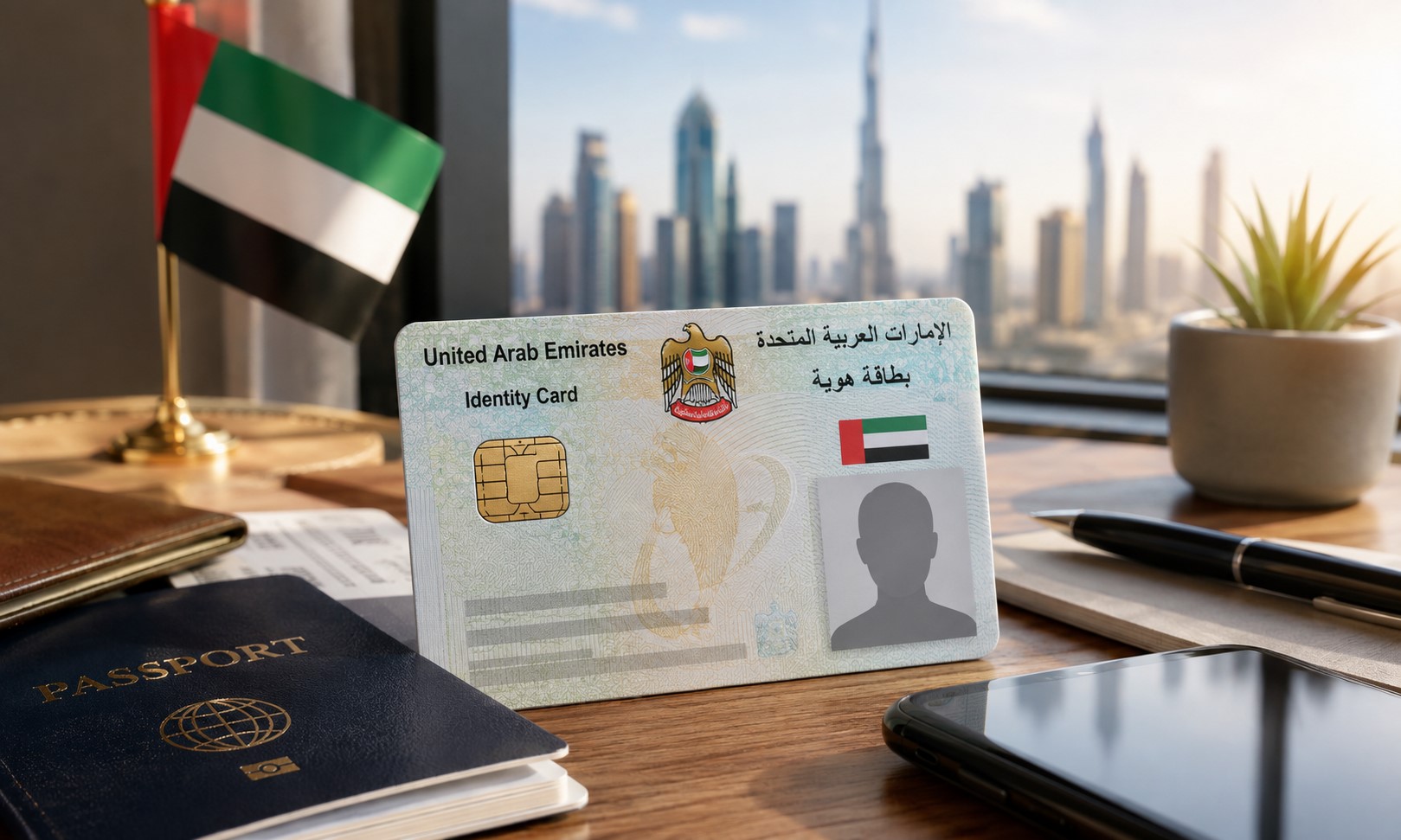
Losing your Emirates ID can be stressful, but replacing it is a straightforward process. Whether your card has been lost, stolen, damaged or needs to be replaced due to updated personal details, you can complete most of the application online through the UAEICP app or official ICP Smart Services.
Since the Emirates ID is one of the UAE’s most important identification documents, it’s recommended to report the loss immediately and apply for a replacement as soon as possible.
Here’s everything you need to know, including required documents, fees, the application process and how to track your new card.
Note: Fees and procedures may be updated by the Federal Authority for Identity, Citizenship, Customs and Port Security (ICP). Always check the official ICP platform for the latest information.
When Should You Replace Your Emirates ID?
You should apply for a replacement if your Emirates ID has been:
- Lost
- Stolen
- Damaged
- Destroyed
- Requiring an update due to passport or personal information changes
Replacing the card promptly helps prevent misuse and ensures you continue to have valid identification for everyday services in the UAE.
Read More: Dubai Family Visit Visa: Minimum Salary Requirements Explained for 2026
Step 1: Report the Lost or Damaged Emirates ID
Before submitting a replacement request, visit an ICP Customer Happiness Centre to report the incident.
If your card is:
- Lost or stolen: Inform the ICP so the existing card can be deactivated.
- Damaged: Bring the damaged Emirates ID with you when visiting the centre.
If you have a copy of the lost card, take it along. If not, ICP can retrieve your Emirates ID details using its records.
Step 2: Prepare the Required Documents
Before starting your application, make sure you have the necessary documents ready.
Mandatory Documents
You’ll generally need:
- Original passport
- Copy of your passport
- Copy of your valid residence visa
- Recent passport-sized photograph that meets ICP requirements
Additional Documents (If Required)
Depending on your residency category, ICP may request additional documents, such as:
- Copy of your previous Emirates ID (if available)
- Sponsor’s passport copy
- Father’s passport and Emirates ID (for eligible dependants)
- Birth certificate
- Entry permit
- Disability certificate
- Other supporting documents requested by ICP
Having digital copies prepared in advance can help speed up the application process.
Step 3: Apply Through the UAEICP App
Once you’ve reported the incident, you can complete your application online.
Download the UAEICP App
Download the official UAEICP application from the Apple App Store or Google Play Store.
You can sign in using:
- UAE Pass (recommended)
- ICP account
- Registered email address
Step 4: Select the Emirates ID Replacement Service
After logging in:
- Search for Replace Emirates ID for Residents
- Select Start Service
- Begin your application
Step 5: Complete the Application
You’ll be asked to review or complete several sections.
These include:
Personal Details
Confirm your:
- Name
- Nationality
- Date and place of birth
- Marital status
- Profession
- Education
- Employment information
Emirates ID Information
Verify:
- Unified Number
- Previous Emirates ID details
- Card expiry date
- Reason for replacement
Examples include:
- Lost card
- Stolen card
- Damaged card
- Passport update
Passport Information
Enter:
- Passport number
- Issue date
- Expiry date
- Issuing country
Contact Details
Provide:
- UAE mobile number
- Email address
- Residential address
If requested, you’ll also need to provide your permanent overseas address.
Step 6: Upload Supporting Documents
Upload all required documents, including:
- Passport copy
- Residence visa
- Passport-sized photograph
- Additional supporting documents (if applicable)
Ensure your documents are clear and meet ICP upload requirements.
Step 7: Choose How You’ll Receive Your New Card
Applicants can usually choose between:
- Home delivery
- Office delivery
- Collection through the designated courier service
Selecting delivery can save you an additional visit.
Step 8: Pay the Replacement Fee
The current replacement fee is approximately AED 451.40, including:
| Fee | Amount |
| Emirates ID issuance | AED 300 |
| Electronic service fee | AED 29.40 |
| ICP service fee | AED 122 |
Additional courier charges may apply depending on your delivery preference.
How to Track Your Emirates ID Application
After submitting your application, ICP will issue a request number. You can track the status of your application through the official ICP Smart Services portal by entering this reference number. You’ll also receive updates by SMS and email throughout the process.
When Will You Receive Your New Emirates ID?
Once your application has been approved, you’ll receive an SMS from the authorised courier service with delivery or collection details. Your replacement Emirates ID will generally carry the same expiry date as the original card it replaces.
Tips to Avoid Delays
Before submitting your application:
- Double-check all personal information.
- Upload clear, high-quality documents.
- Ensure your passport and visa remain valid.
- Keep your request number safe for tracking purposes.
- Respond promptly if ICP requests additional documents.
Frequently Asked Questions
Can I replace my Emirates ID online?
Yes. Most residents can complete the replacement process through the UAEICP app or ICP Smart Services after reporting the loss or damage.
What should I do if my Emirates ID is stolen?
Report the incident to the ICP as soon as possible so the card can be deactivated before applying for a replacement.
How much does it cost to replace an Emirates ID?
The standard replacement fee is approximately AED 451.40, excluding any additional courier charges.
Will my Emirates ID number change?
No. Your Emirates ID number remains the same. Only the physical card is replaced.
Can I track my application?
Yes. You can monitor your application using the request number provided after submission through the ICP Smart Services portal.
Final Thoughts
Although losing your Emirates ID can be inconvenient, replacing it is a relatively simple process when you have the required documents ready. By reporting the loss promptly, completing your application through the official UAEICP platform and tracking your request online, you can receive your replacement card with minimal hassle.
Since procedures and fees may change over time, applicants should always refer to the official Federal Authority for Identity, Citizenship, Customs and Port Security (ICP) channels for the latest requirements.
